Tour the interface

Every view of a session, the create page, and the settings pages, as the app shows them on a tablet

Every session, four ways

Chat, Terminal, Desktop, and Files are tabs on the same session
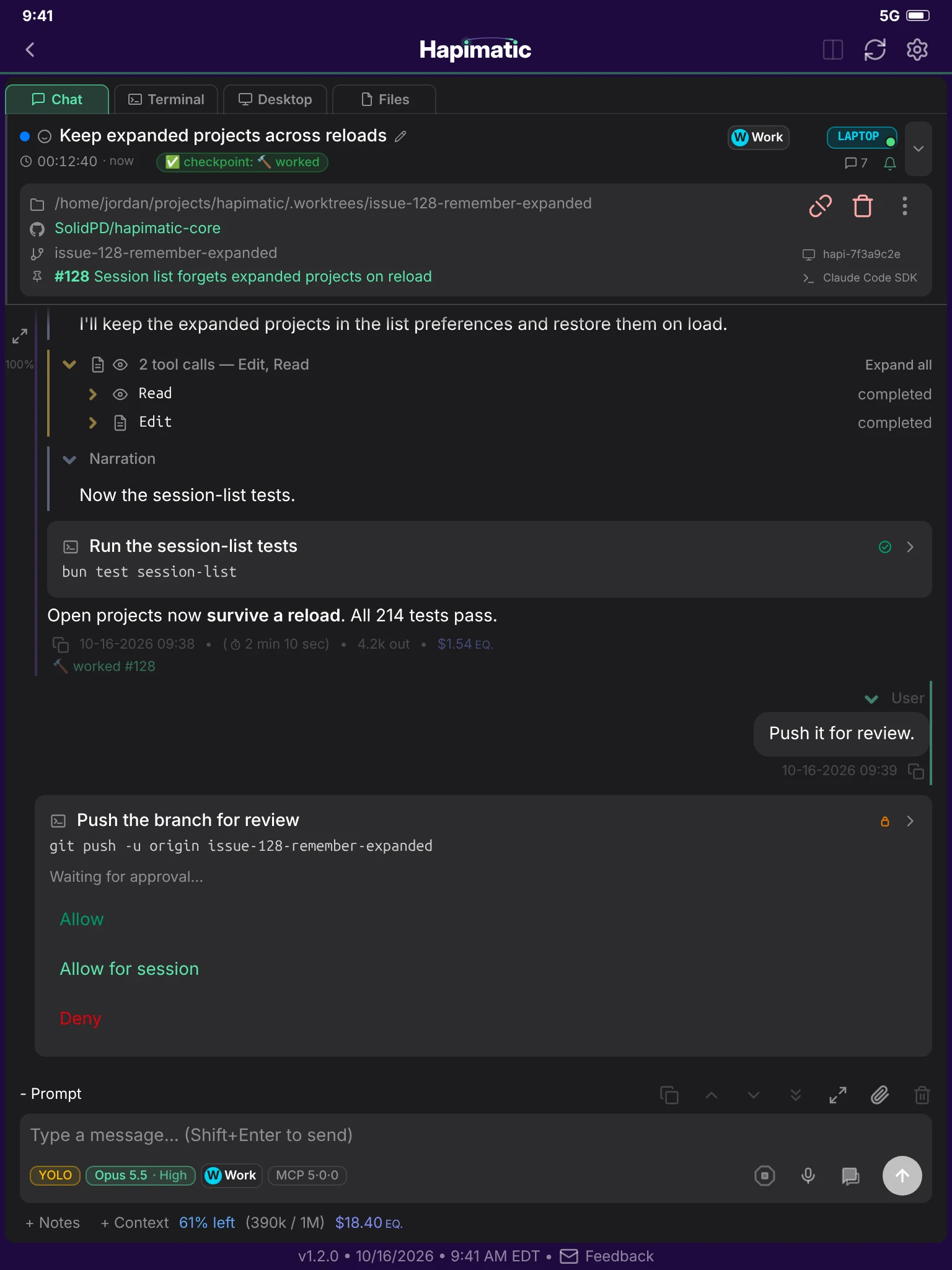
The Chat tab of a session on a tablet: a test run, its result, and a push waiting for approval.
Chat
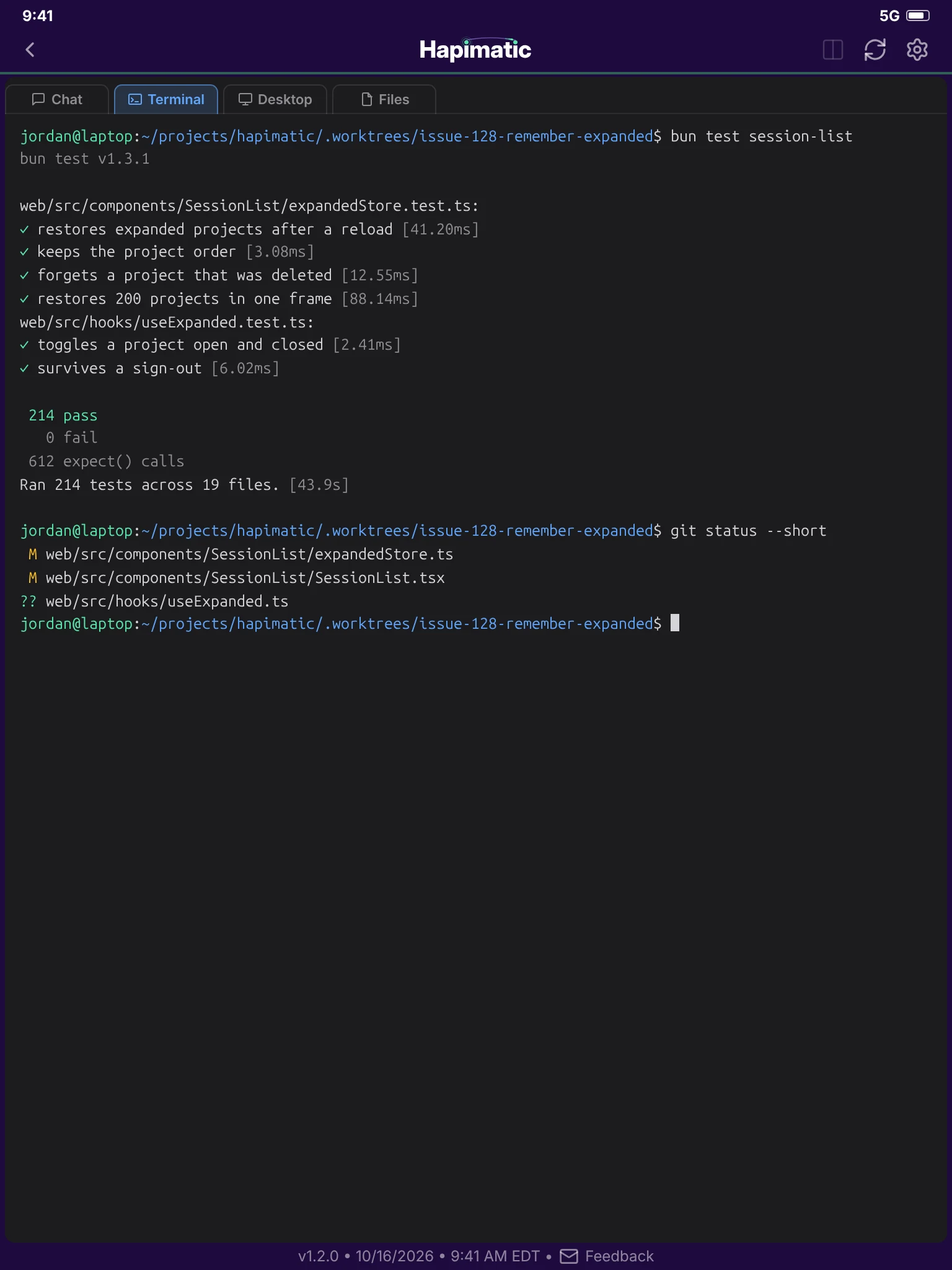
The Terminal tab of the same session, running the session-list tests.
Terminal
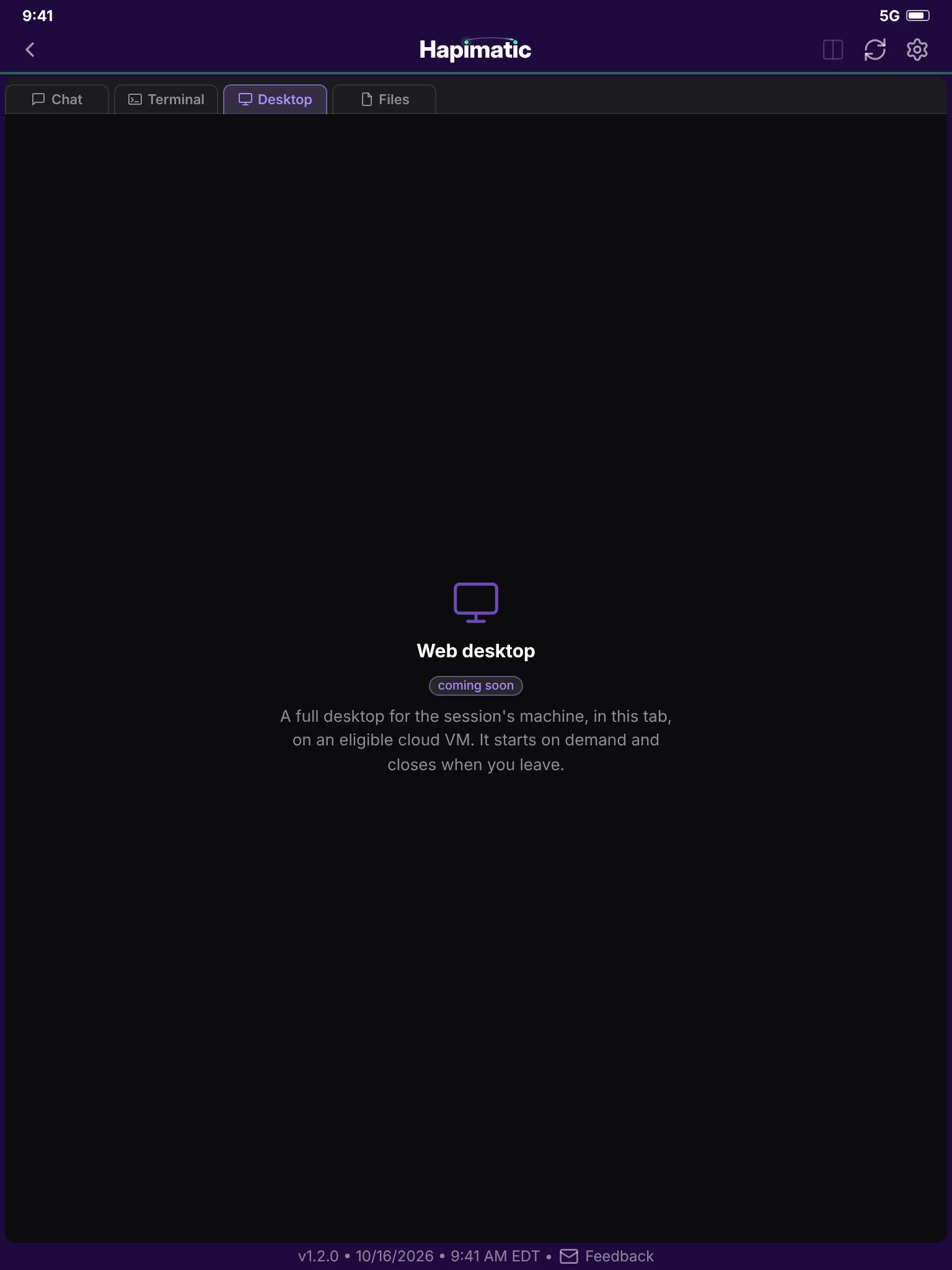
The Desktop tab: a placeholder until the web desktop ships.
Desktop · coming soon
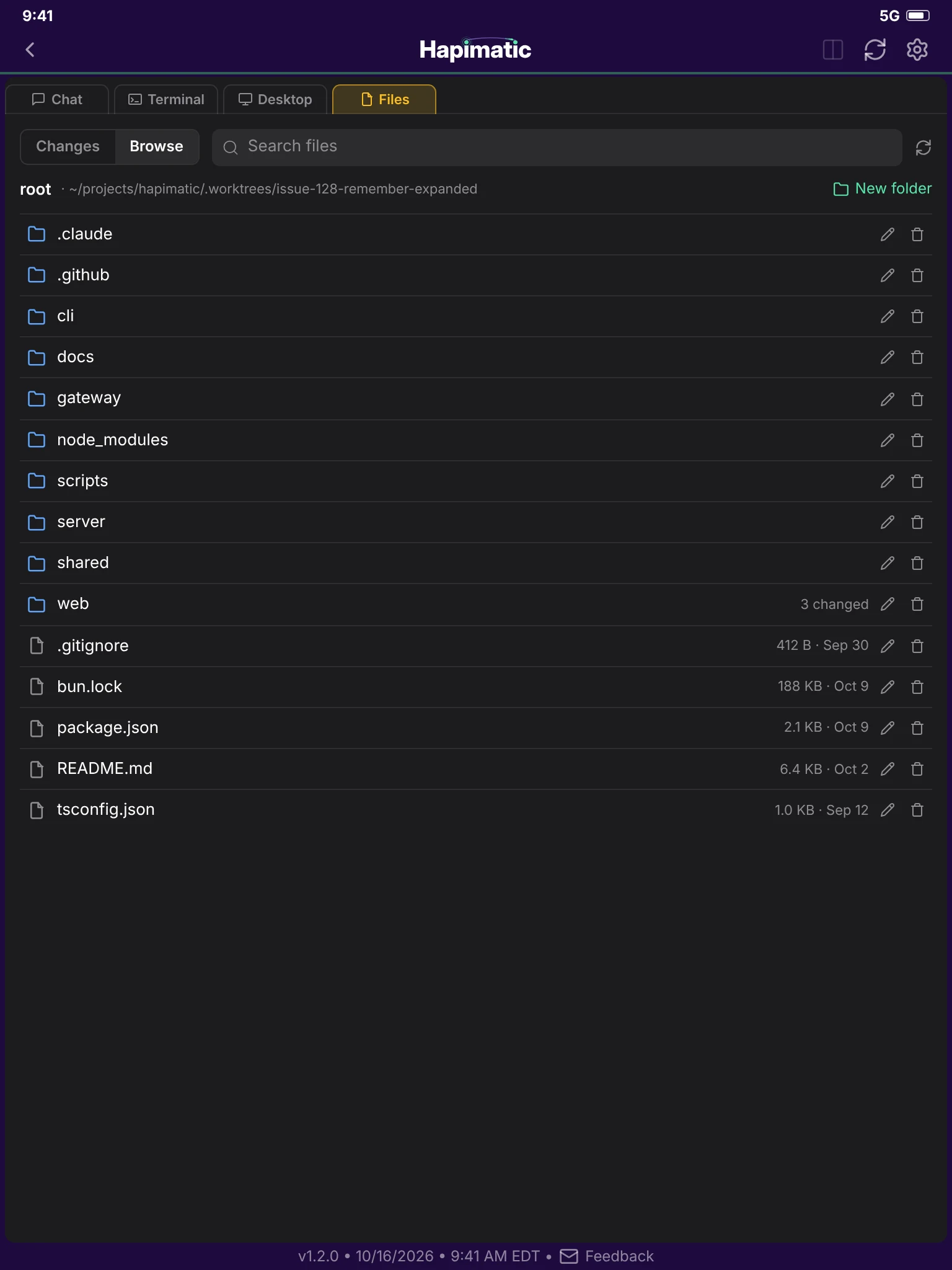
The Files tab, browsing the session's worktree.
Files

Create a session

A session now, or an event on a schedule
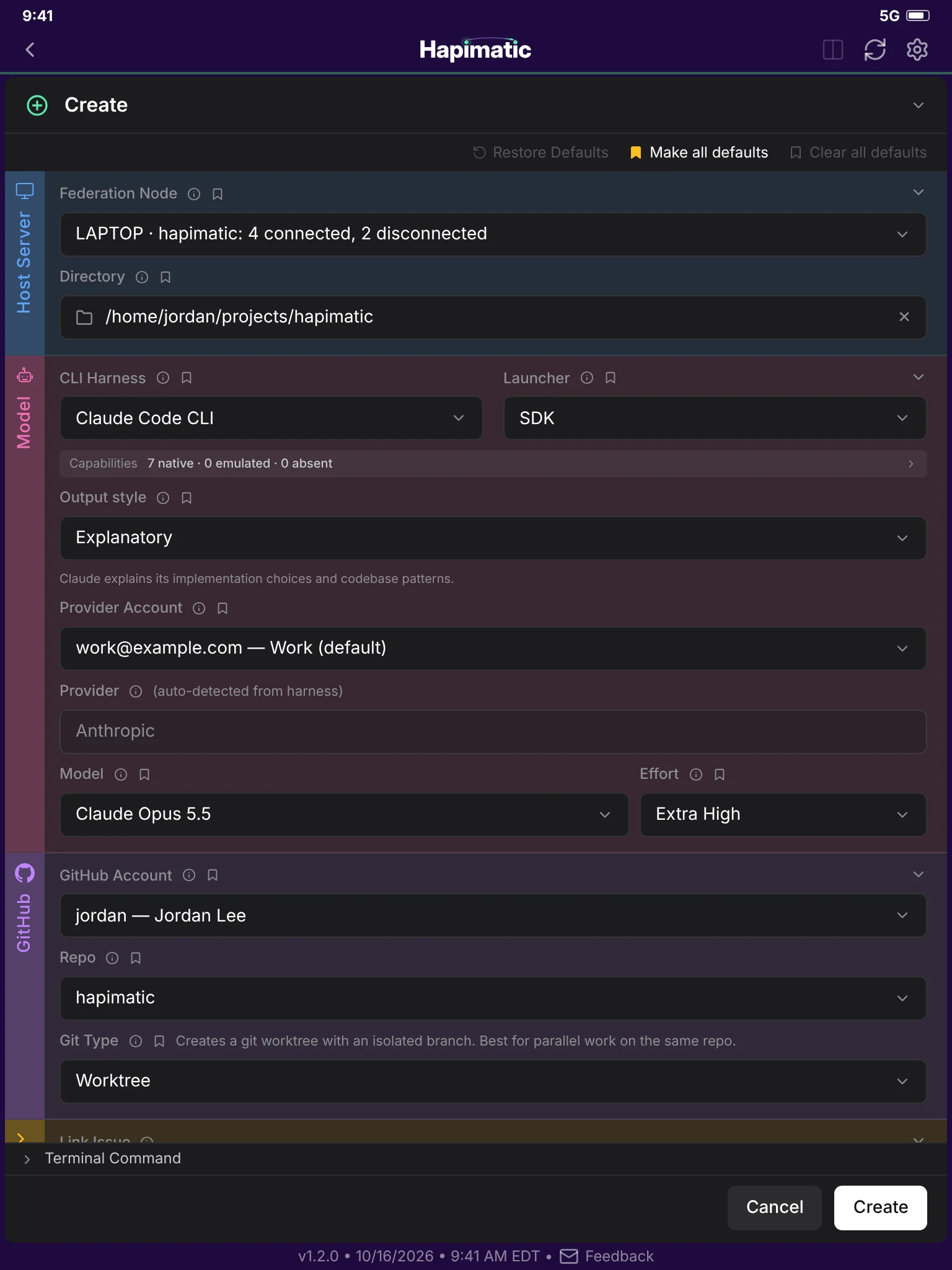
The create page: the host server, the model, the GitHub account and repository, and the session settings.
Create a session
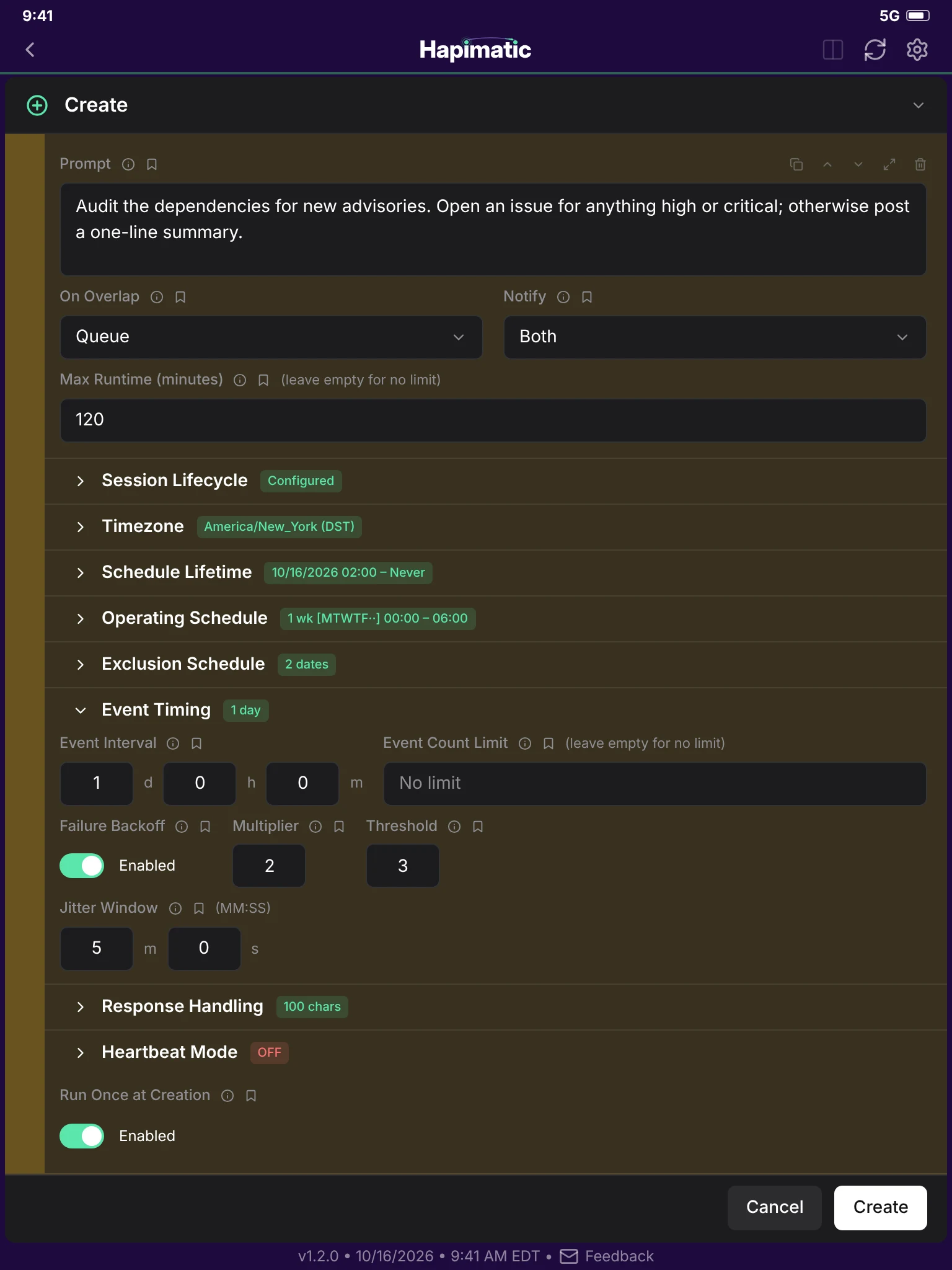
The create page for a scheduled event: its prompt, overlap rule, runtime limit, and schedule.
Create a scheduled event

The fleet, at a glance

Settings pages that show the whole mesh
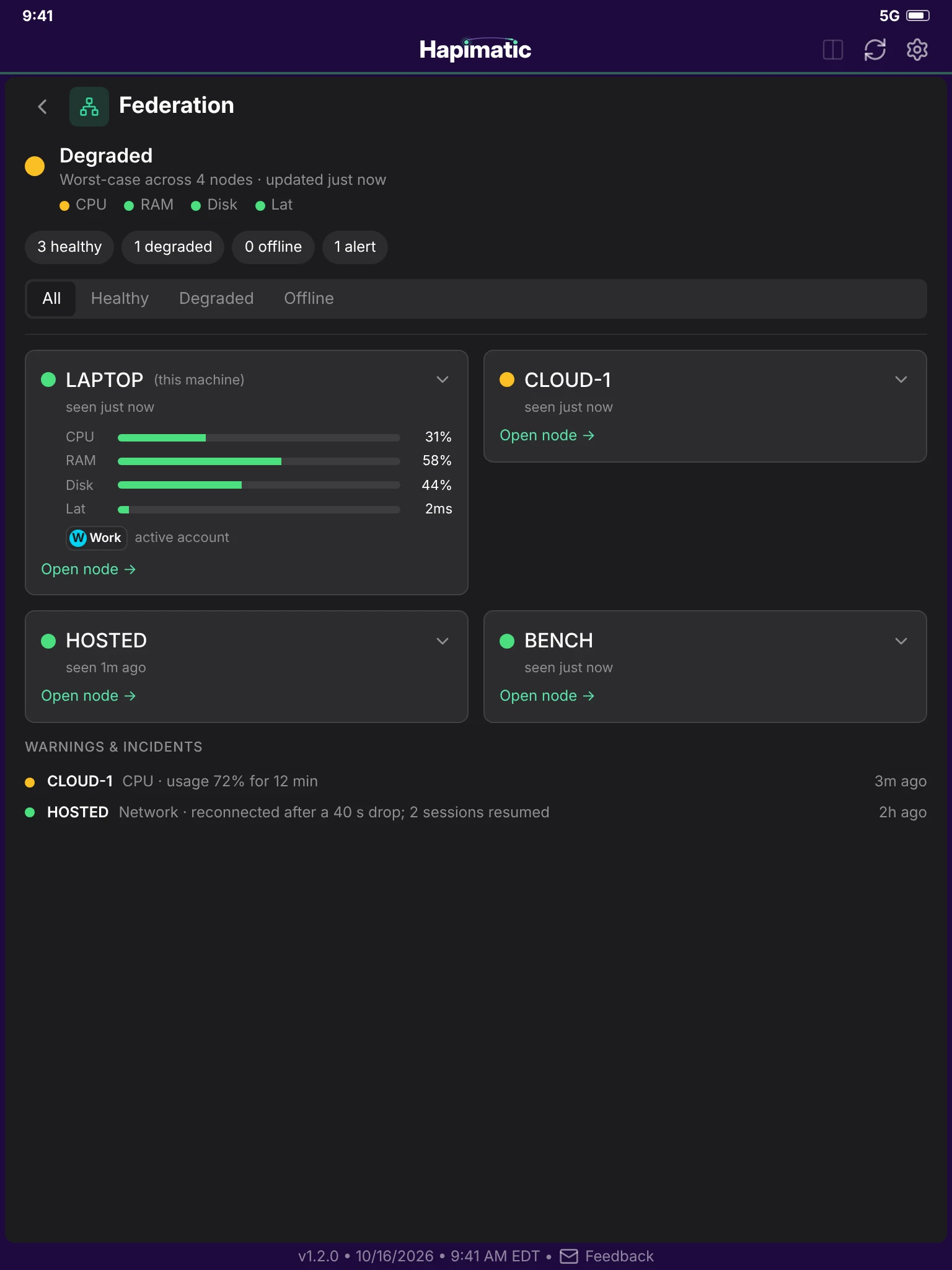
Federation Health: four nodes, their load, and their warnings and incidents.
Federation Health
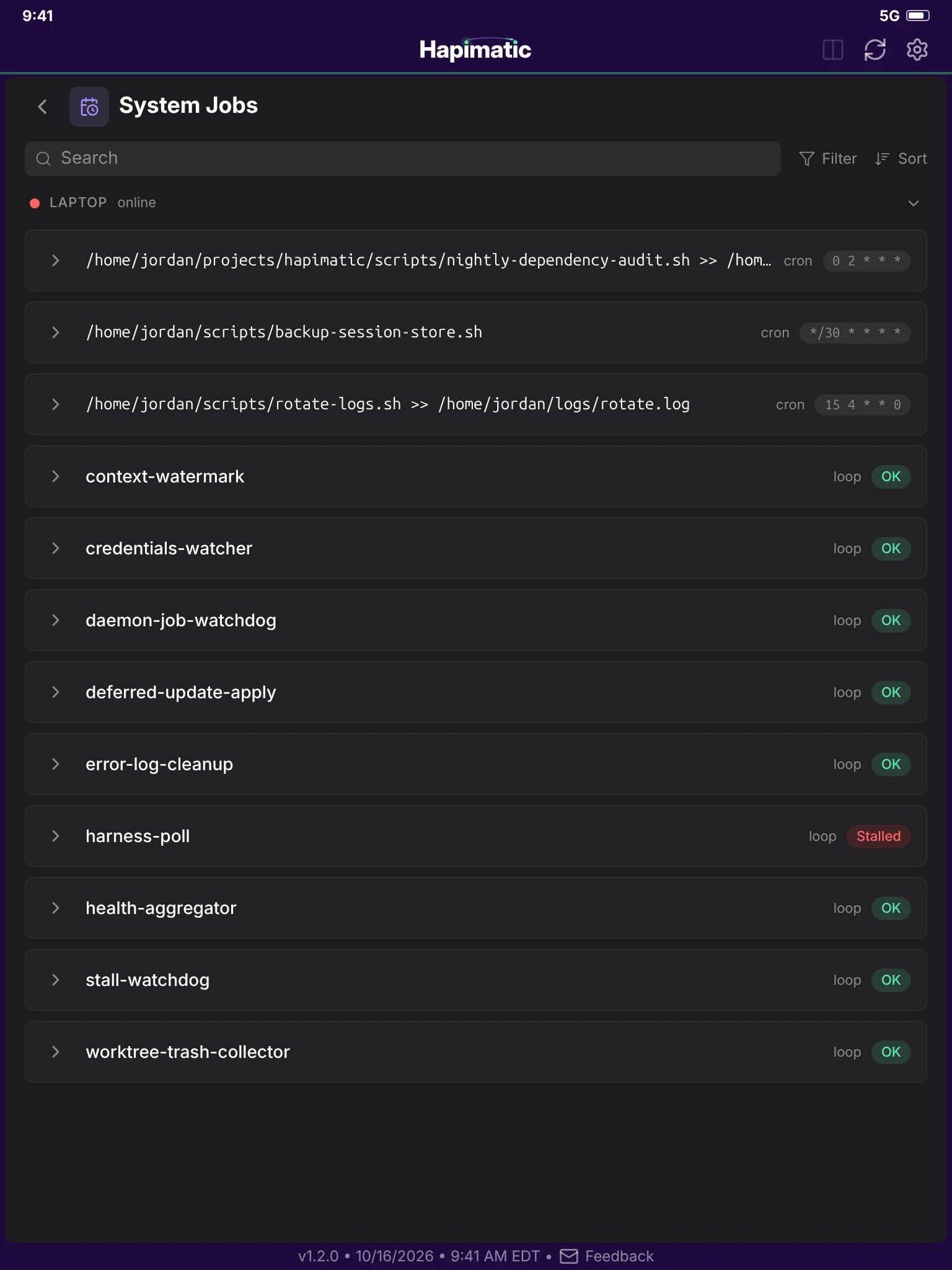
System Jobs: a node's scheduled jobs and its supervised loops, one of them stalled.
System Jobs

Your history and your settings
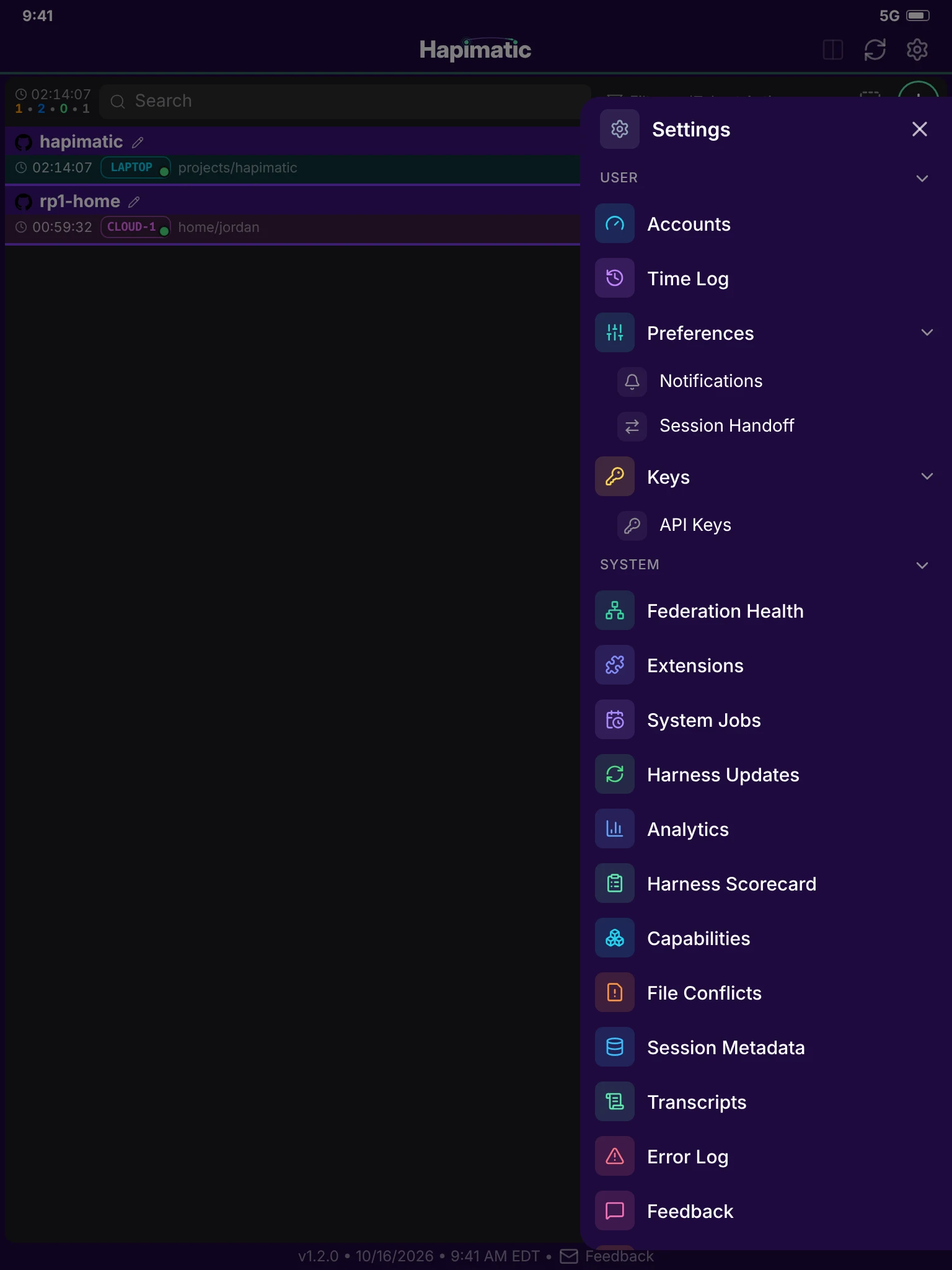
The settings menu over the session list.
The settings menu
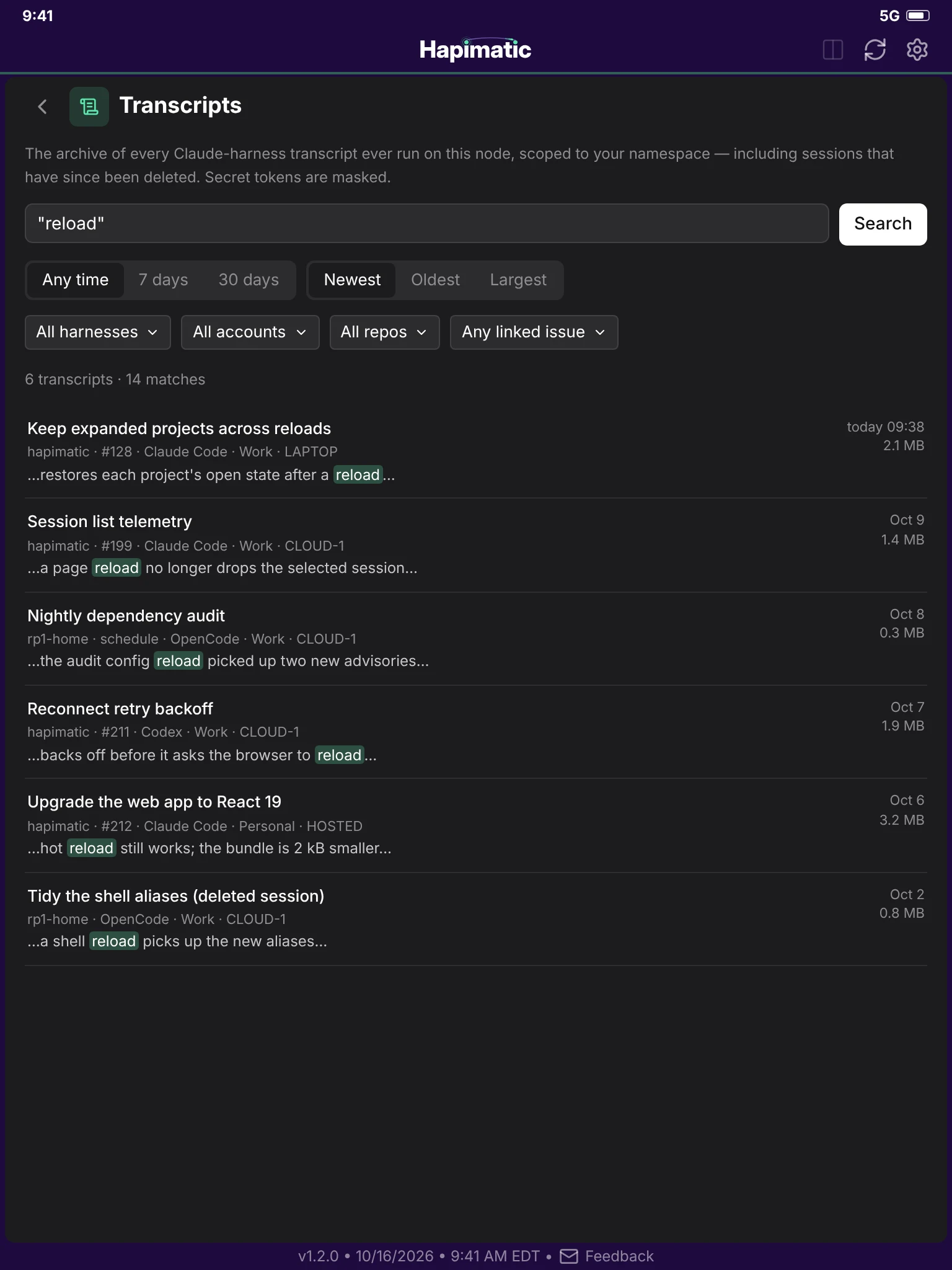
Transcripts: a search across every session's transcript, including deleted ones.
Transcripts
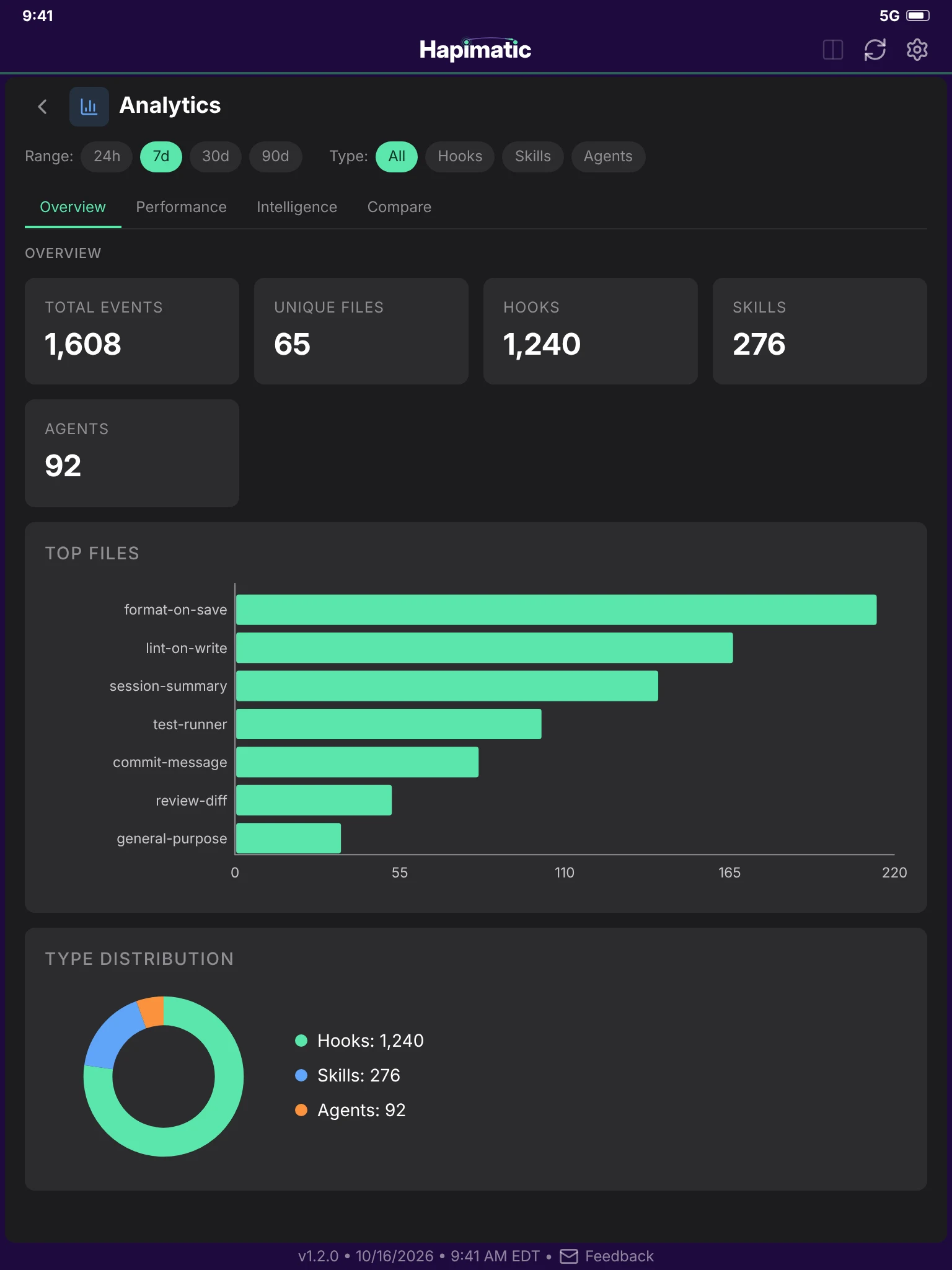
Analytics: hook, skill, and agent use over the last seven days.
Analytics
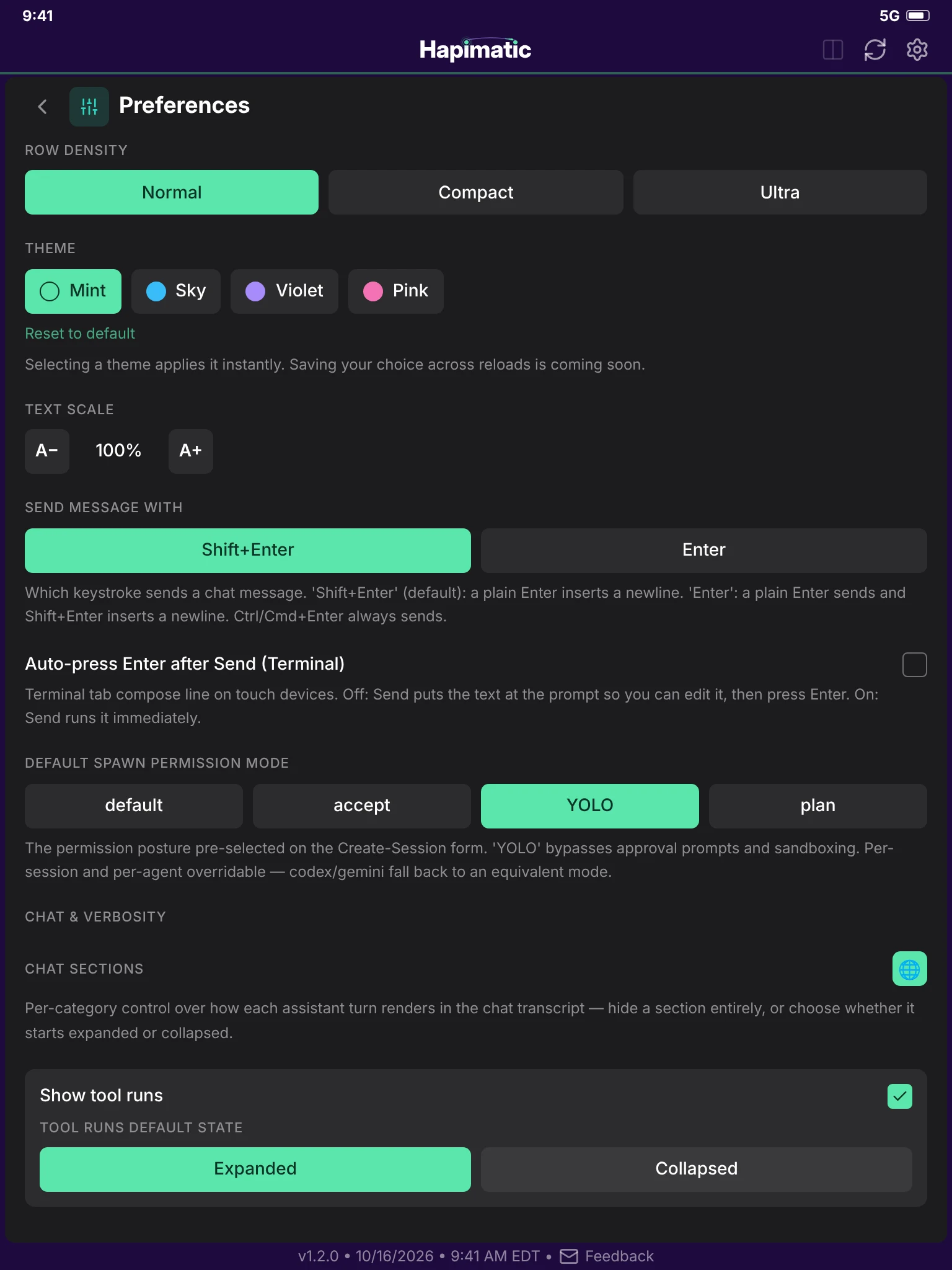
Preferences: row density, theme, text scale, and how the chat renders.
Preferences
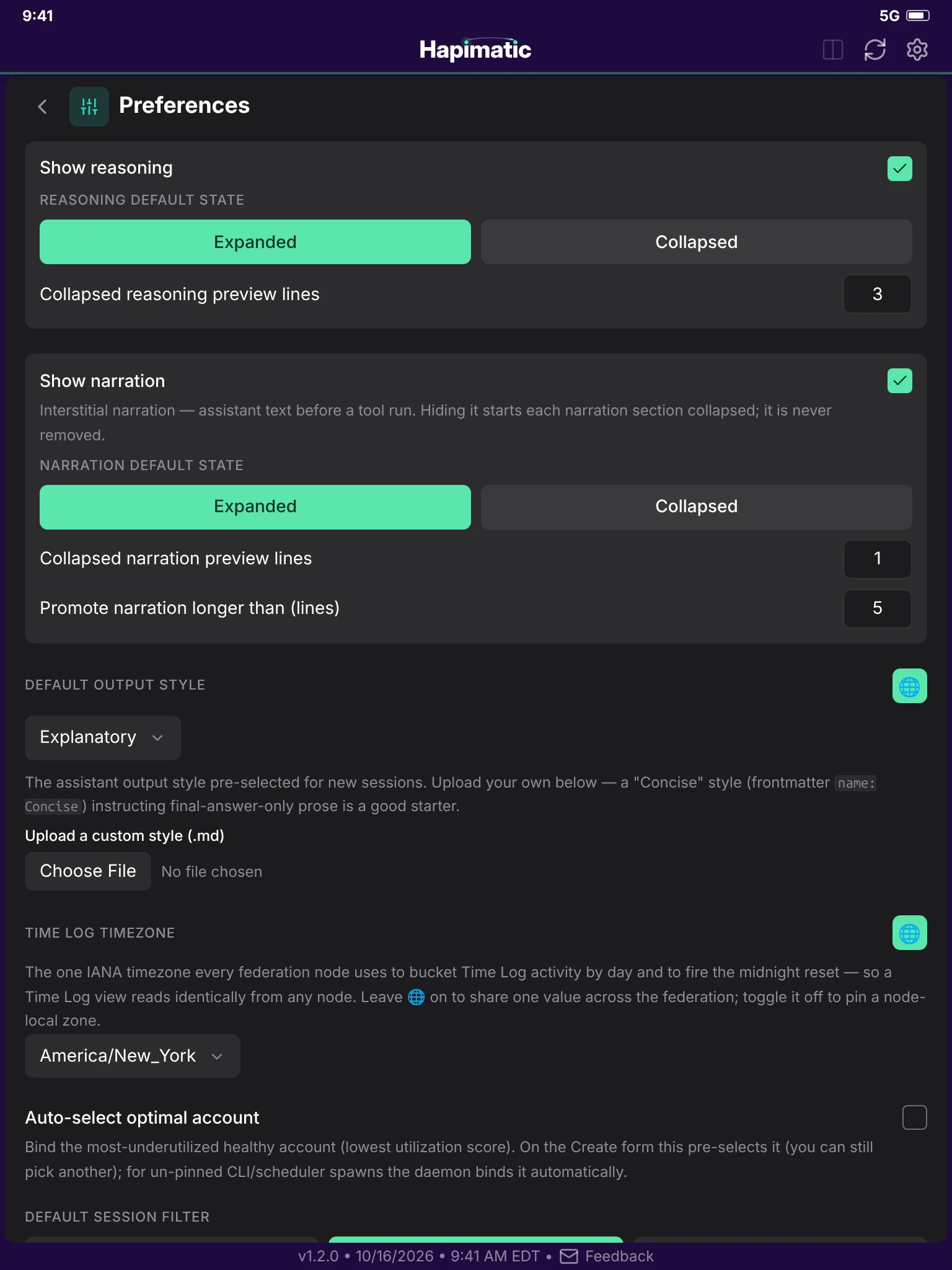
Preferences, continued: the chat sections, the default output style, the Time Log timezone, and account selection.
Preferences, continued
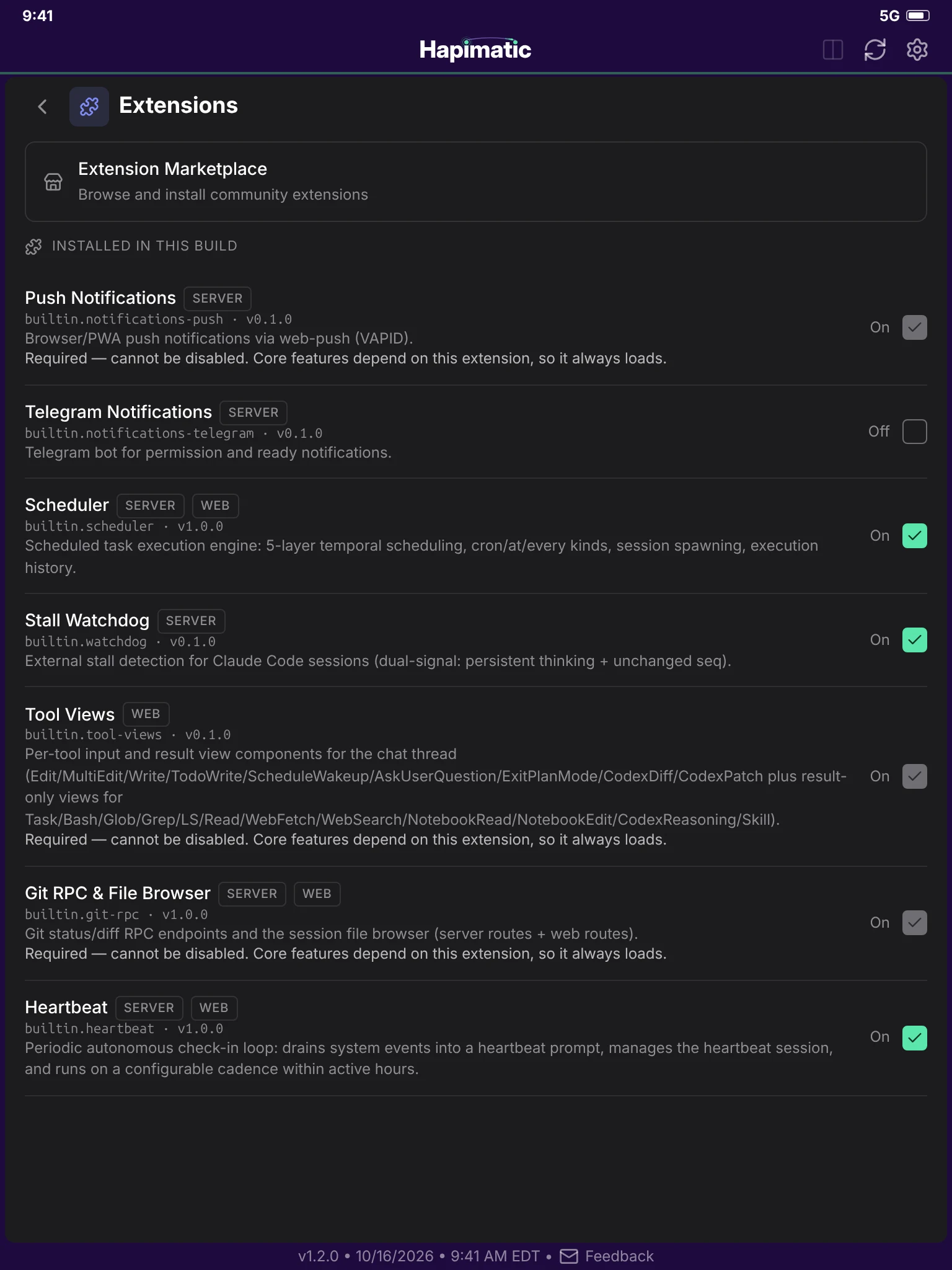
Extensions: the extensions installed in this build, each with its runtimes and its switch.
Extensions
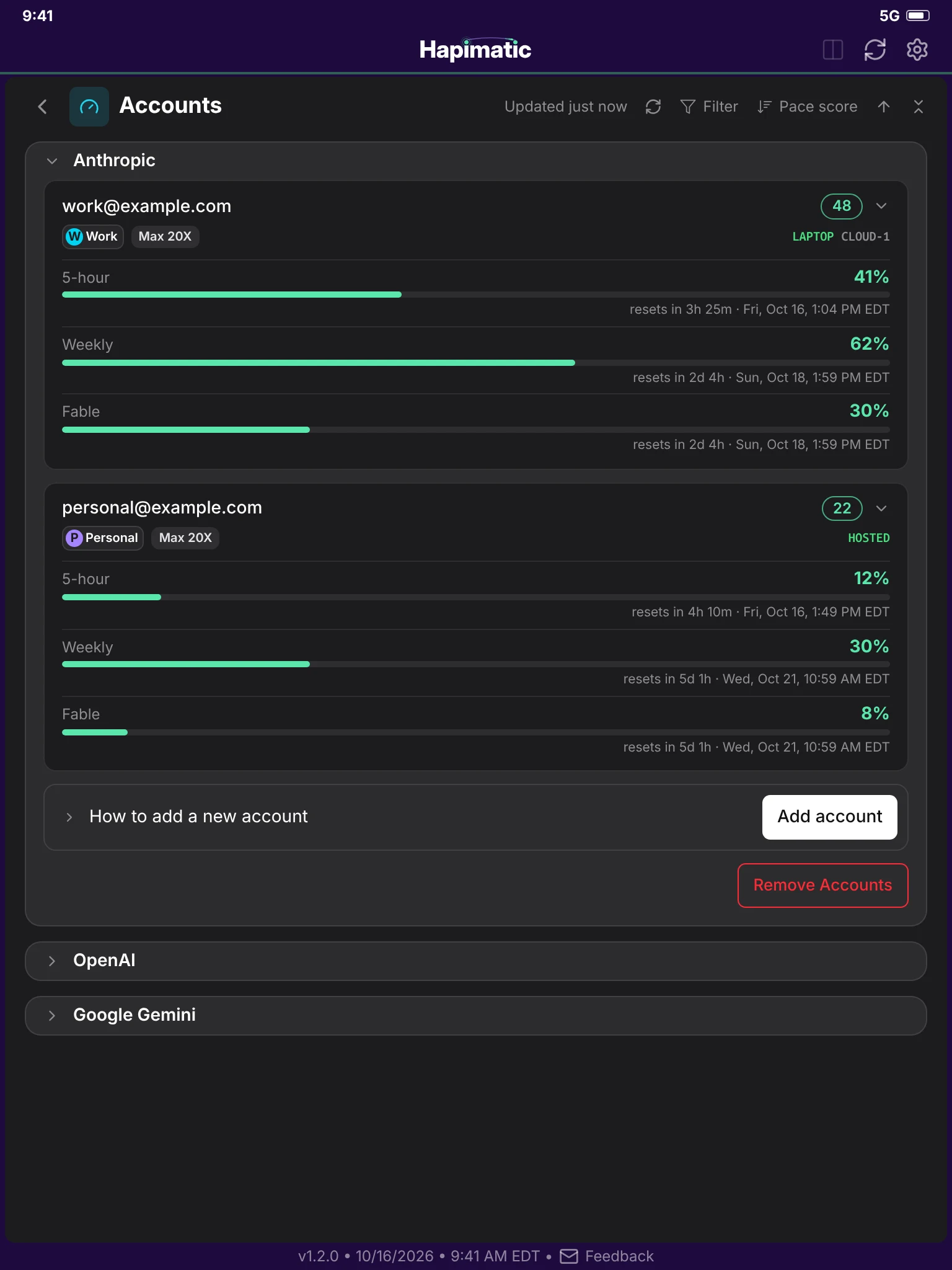
Accounts: two Anthropic accounts with their usage windows.
Accounts